Customer Directory
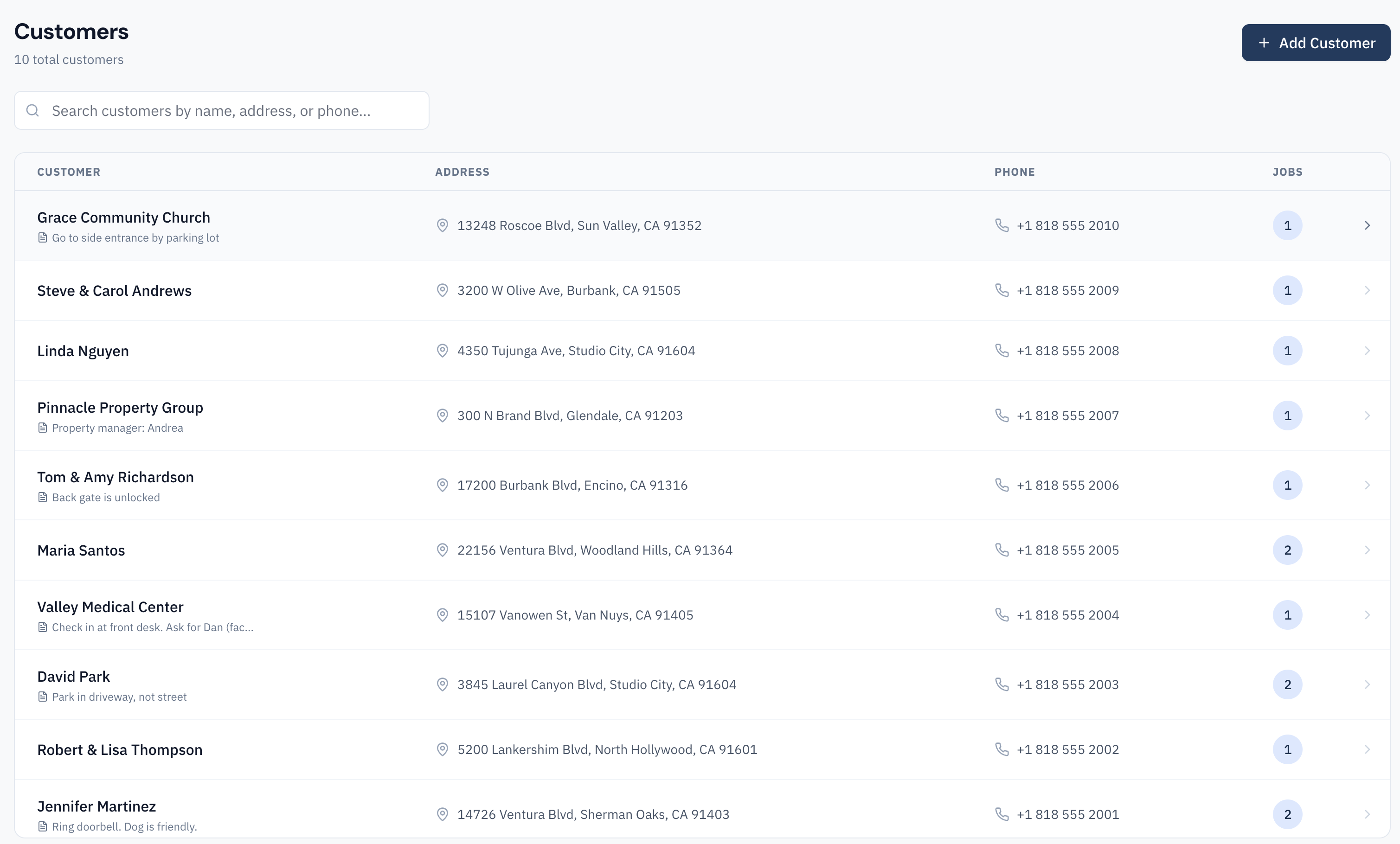
The Customers page is your searchable directory of every customer you've worked with. Each customer record stores their contact information, property details, and complete job history.
Use the search bar to find customers by name, address, phone number, or email. The list shows each customer's name, address, and the number of jobs on file.
Adding Customers
Add a customer by clicking "Add Customer" on the Customers page, or create one inline when creating a new job. Customer fields include:
- Name — Customer's full name or company name
- Email — For sending invoices and communications
- Phone — Primary contact number
- Address — Service address (used for mapping and job routing)
- Notes — Important property details your techs need to know
Property Notes and Gate Codes
The customer notes field is invaluable for storing information your technicians need at the job site:
- Gate codes — Access codes for gated communities or buildings
- Pet warnings — "Dog in backyard — use side gate"
- Access instructions — "Equipment is in basement, enter through garage"
- Equipment details — "Trane XR15 heat pump, installed 2021"
- Parking — "Park on street, not in driveway"
These notes appear on the job details in the mobile app, so your technicians always have the information they need before arriving on site.
Job History
Every customer record includes a complete history of all jobs performed at that property. This lets you:
- See what work was done previously when a customer calls back
- Review photos and notes from past visits
- Track recurring issues at a property
- Generate repeat jobs quickly using previous job details as a template
Job history is sorted by date with the most recent jobs first, showing status, assigned technician, and completion date for each.